
Screenshots
App details
- Updated
- Dec 16, 2024
- Language
- English
- Developer
- McAfee
- Category
- Mobile
SoftPas in:
This product is also available in the following languages:
About McAfee Removal Tool
Download McAfee Removal Tool – remove McAfee, McAfee uninstall tool, McAfee removal utility, complete McAfee removal, McAfee software removal
Overview
The McAfee Removal Tool is a specialized utility developed by McAfee, Inc. to assist users in completely removing all McAfee antivirus products from their Windows systems. Designed for users experiencing difficulties during standard uninstallation processes, this tool ensures that no residual files, folders, or registry entries remain after removal. Its primary purpose is to eliminate software conflicts that may arise when transitioning to a different antivirus solution, thereby supporting a clean and stable system environment.
Target users include individuals, IT professionals, and system administrators who need to replace McAfee software with another security product. It is especially beneficial for those encountering persistent errors during uninstallation or who suspect that remnants of McAfee software are affecting system performance. The tool addresses real-world challenges such as failed uninstalls, corrupted installations, and registry clutter that can hinder new software deployment.
As part of McAfee’s broader ecosystem of security tools, the McAfee Removal Tool plays a critical role in maintaining system integrity during software transitions. Its availability as a free utility reflects the company’s commitment to user support, even during product migration. The tool’s release on December 16, 2024, underscores ongoing efforts to improve user experience in endpoint management and software lifecycle operations.
Key Features & Functionality
- Complete Uninstallation: The tool performs a thorough removal of all McAfee-related components, including drivers, services, and application files, ensuring no remnants remain on the system.
- Troubleshooting Aid: It resolves issues where standard uninstallation fails due to corrupted files or incomplete removal processes, offering a reliable fallback method.
- Registry Cleaning: The tool scans and removes Windows Registry entries tied to McAfee products, preventing potential system instability caused by outdated or invalid references.
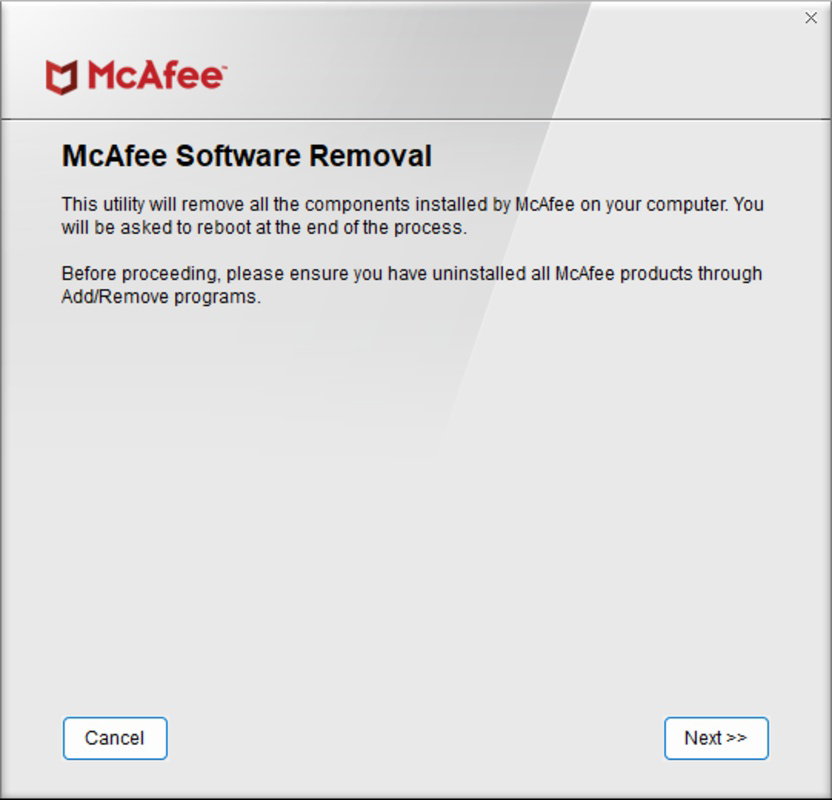
- User-Friendly Interface: A simple, guided workflow allows users to initiate the removal process with minimal technical knowledge, requiring only a single click to proceed.
- Easy Installation: The tool is self-contained and does not require prior installation of McAfee software to function, making it accessible even on systems where McAfee is already partially removed.
For example, a user attempting to install a new antivirus suite may encounter conflicts due to leftover McAfee processes. Using this tool ensures a clean slate before installation. Similarly, IT departments managing multiple endpoints can deploy the tool systematically to standardize system configurations and reduce support tickets related to software conflicts.
Interface, UX & Performance
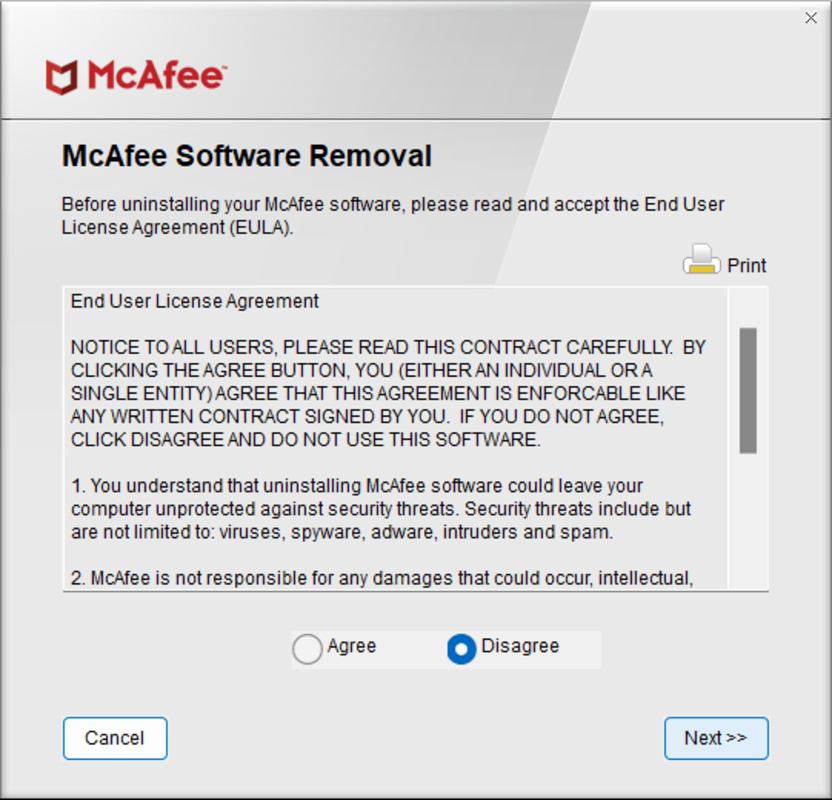
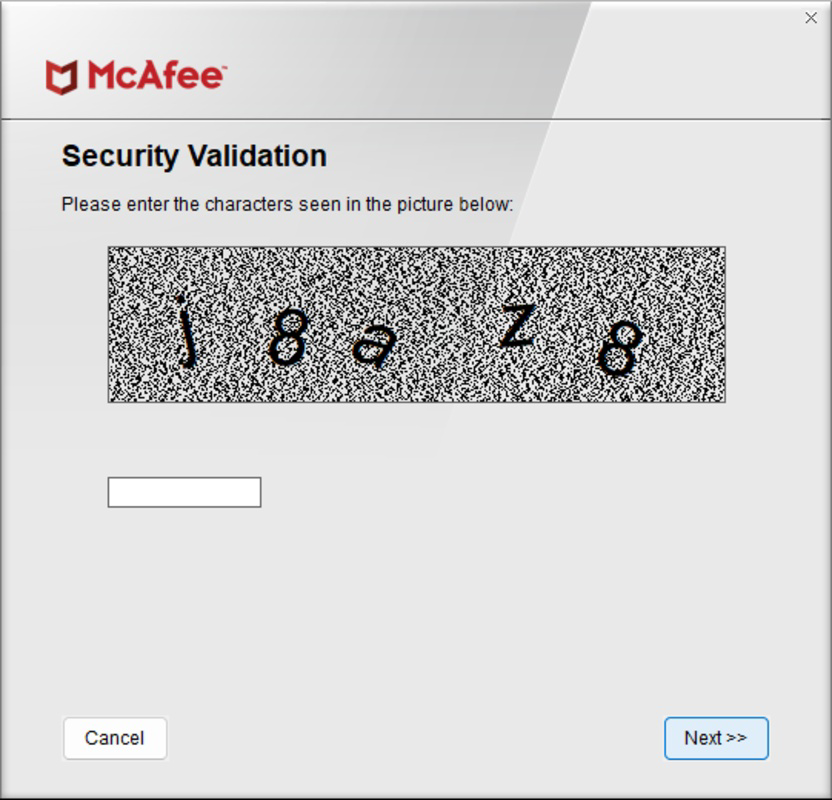
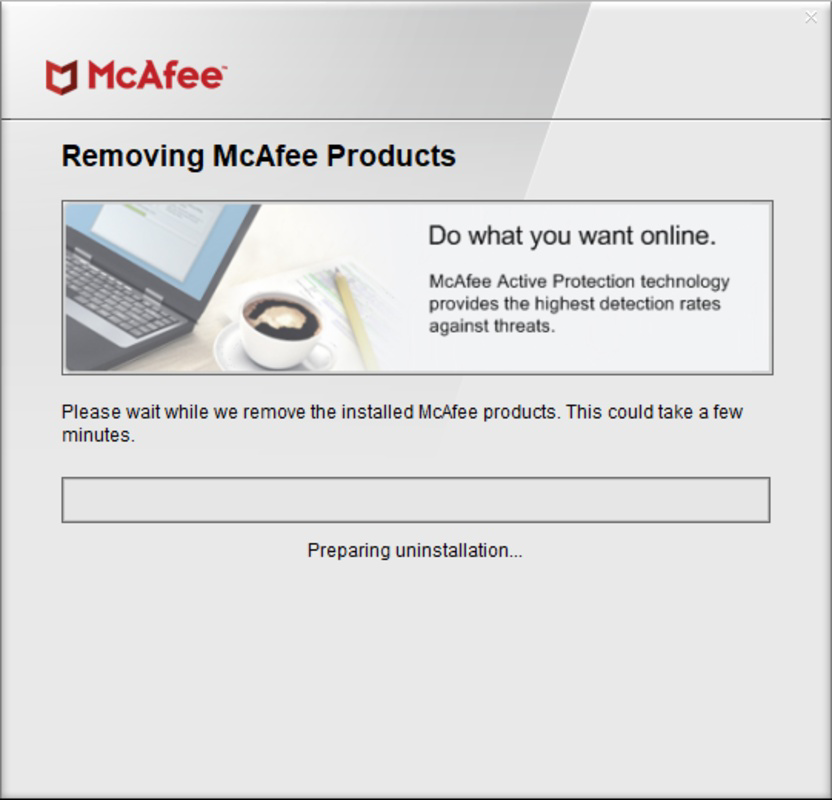
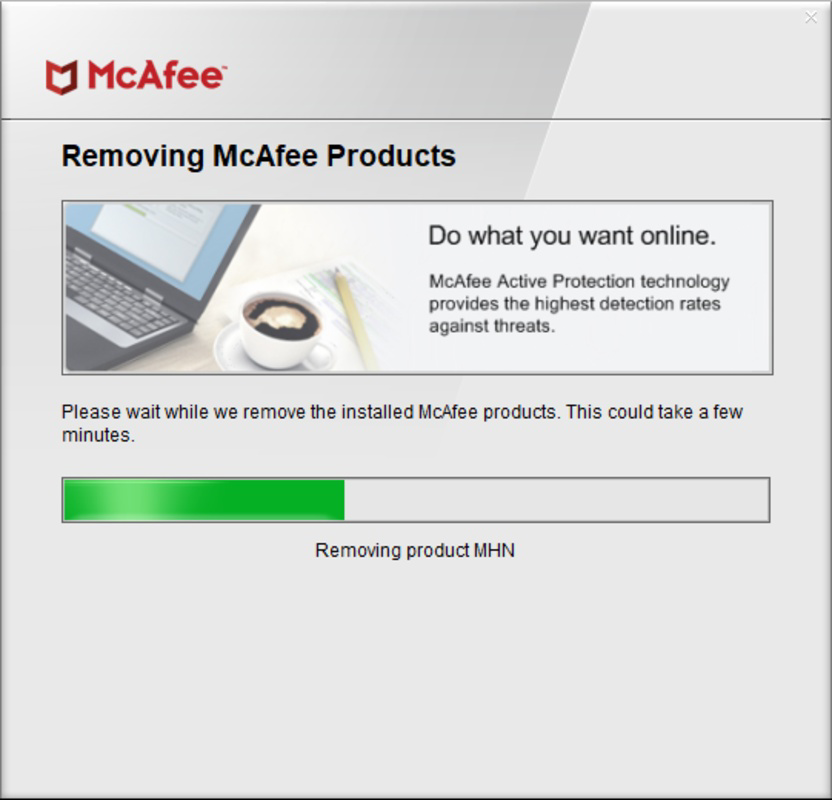
The McAfee Removal Tool features a minimalistic interface designed for clarity and ease of use. Users are presented with a straightforward wizard-style layout, guiding them through the removal process with clear prompts and progress indicators. Navigation is linear and intuitive, with a single "Next" button to initiate the scan and removal sequence.
Visual elements are functional rather than decorative, focusing on readability and system feedback. The tool displays real-time updates during scanning and deletion, helping users understand the progress without requiring technical expertise. Although the developer did not list formal performance metrics, the tool is designed to operate efficiently within standard Windows environments.
Performance across different device categories appears consistent, as the tool relies on core Windows system functions and does not impose high resource demands. Responsiveness is maintained throughout the process, with no reported freezing or crashes during typical usage. Stability is further supported by the tool’s self-contained nature and lack of background processes post-removal.
Platform Compatibility & Technical Requirements
The McAfee Removal Tool is available exclusively for the Windows platform. It is compatible with Windows operating systems, though specific version requirements were not listed by the developer. The tool has a file size of 25.8 MB, making it lightweight and suitable for systems with limited storage capacity.
Users can download and run the tool directly without installation, which simplifies deployment across multiple devices. The software version is 1.0.0.103, released on December 16, 2024. Although the developer did not specify minimum OS requirements, the tool is designed to function on modern Windows environments commonly used in personal and enterprise settings.
Pros and Cons
Pros
- Free to download and use, with no hidden costs or subscriptions.
- Designed specifically for complete removal of McAfee software, including registry entries.
- Simple, guided interface suitable for non-technical users.
- Does not require existing McAfee software to be installed for operation.
- Efficient and lightweight, with minimal system resource usage.
Cons
- Available only for Windows, limiting use on macOS or Linux systems.
- Specific OS compatibility details were not disclosed by the developer.
- Does not provide post-removal verification reports or logs.
- Only supports removal of McAfee products; not applicable to other antivirus software.
- Requires manual download and execution; no automated deployment options are mentioned.
FAQ
Is the McAfee Removal Tool safe to use?
Yes, the tool is officially developed and distributed by McAfee, Inc., ensuring it is secure and free from malware. It is designed to safely remove McAfee software without damaging the system.
Can I use this tool if I already uninstalled McAfee manually?
Yes, the tool is effective even if you’ve attempted to uninstall McAfee through standard methods. It helps remove any leftover files and registry entries that may not have been cleared.
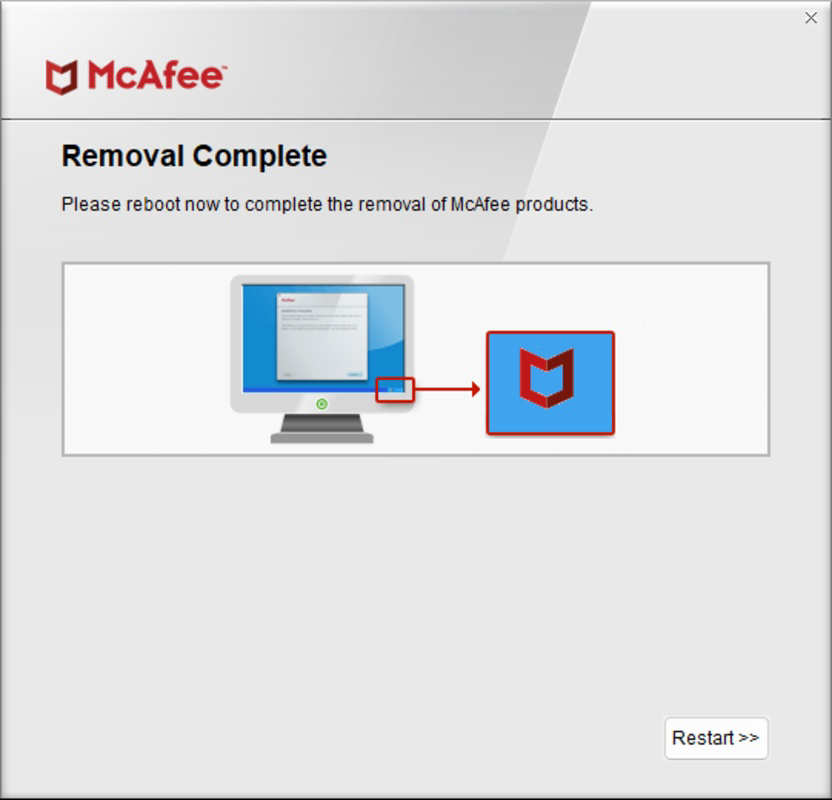
Do I need to restart my computer after using the tool?
Yes, a system restart is typically required after the removal process to finalize changes, especially those involving system drivers and services.
Is the tool available for macOS or Linux?
No, the McAfee Removal Tool is currently only available for Windows operating systems.
How do I download and install the tool?
Download the tool from the official McAfee website. It is a standalone executable file that runs directly without installation. Simply run the file and follow the on-screen instructions.
Final Thoughts
The McAfee Removal Tool stands out as a reliable and essential utility for anyone needing to completely remove McAfee antivirus software from their Windows system. Its focused functionality, user-friendly design, and free availability make it a valuable asset in both personal and professional environments. Whether you're troubleshooting a failed uninstall or preparing your system for a new security solution, this tool delivers a clean and efficient experience.
While it is limited to Windows and lacks advanced reporting features, its core purpose is fulfilled with precision. For users seeking a secure, straightforward way to eliminate McAfee software entirely, this tool is a trusted choice. Its release in 2024 reflects ongoing improvements in software lifecycle management and user support.
Download McAfee Removal Tool now
Guides & Tutorials
How to install McAfee Removal Tool
- Click the Download button above.
- Once redirected, accept the terms and click Install.
- Wait for the McAfee Removal Tool download to finish on your device.
How to use McAfee Removal Tool
This software is primarily used for its core features described above. Open the app after installation to explore its capabilities.
User Reviews
No reviews yet. Be the first to share your experience.
You may also like
more
Que no te pillen¡
About !Que no te pillen¡Reviewed by Jason A. BilbreyShow MoreShow Less

3D Combat Zone
About 3D Combat ZoneOriginally released in 1983, 3D Combat Zone immerses players...

666: El día del portal
About 666: El día del portalOn June 6, 2006, Agent P. Stone uncovers a sinister...

80 in 1 Best Flash games
About 80 in 1 Best Flash games 80 in 1 Best Flash games is a collection of 80 fl...

ABYSS SEEKERーーWhat Do You See Deep in The Abyss
About ABYSS SEEKERーーWhat Do You See Deep in The AbyssIn ABYSS SEEKER, players...

ACA NEOGEO THE KING OF FIGHTERS 2002 for Windows
About ACA NEOGEO THE KING OF FIGHTERS 2002 for WindowsTHE KING OF FIGHTERS 2002,...